

On 8th October 2026 I spoke at MeasureFest, the measurement track at brightonSEO, with a talk called How Claude Code helped me transform reporting and delivery for AI search and SEO. The Measurement and Reporting session was at full capacity, with 300+ in Syndicate 3 & 4 and a “track is now at capacity” sign on the door, which says a lot about how many teams are wrestling with the same problem.
Here are the highlights from the talk:
I’ll be building on this video and my talk from brightonSEO in March 2027 at the AI Search & Systems Summit, on day 2, which is all about how people are using AI in their workflows.
The next morning I was back on stage for The Great Attribution Crisis panel with Tom Capper and Jade Faulconbridge, which came at the same problem from the measurement side. More on that further down.
Below is the talk written up in full, with the detail that didn’t make the cut. If you’d rather see the visuals in order, you can flick through the slides or download them as a PDF.
The short version: over the past six months I’ve built five internal tools with Claude Code at SOZO, where I’m Head of Search. They don’t replace anyone, but take the assembling off experienced people, so more of their week goes on interpreting, deciding and advising.
More tools than ever, and less time to know what counts
Search teams have never had more data. Search Console, GA4, Google Ads, rank trackers, AI visibility platforms and commerce analytics each answer a narrow question well, but none of them knows what a particular business is trying to achieve.
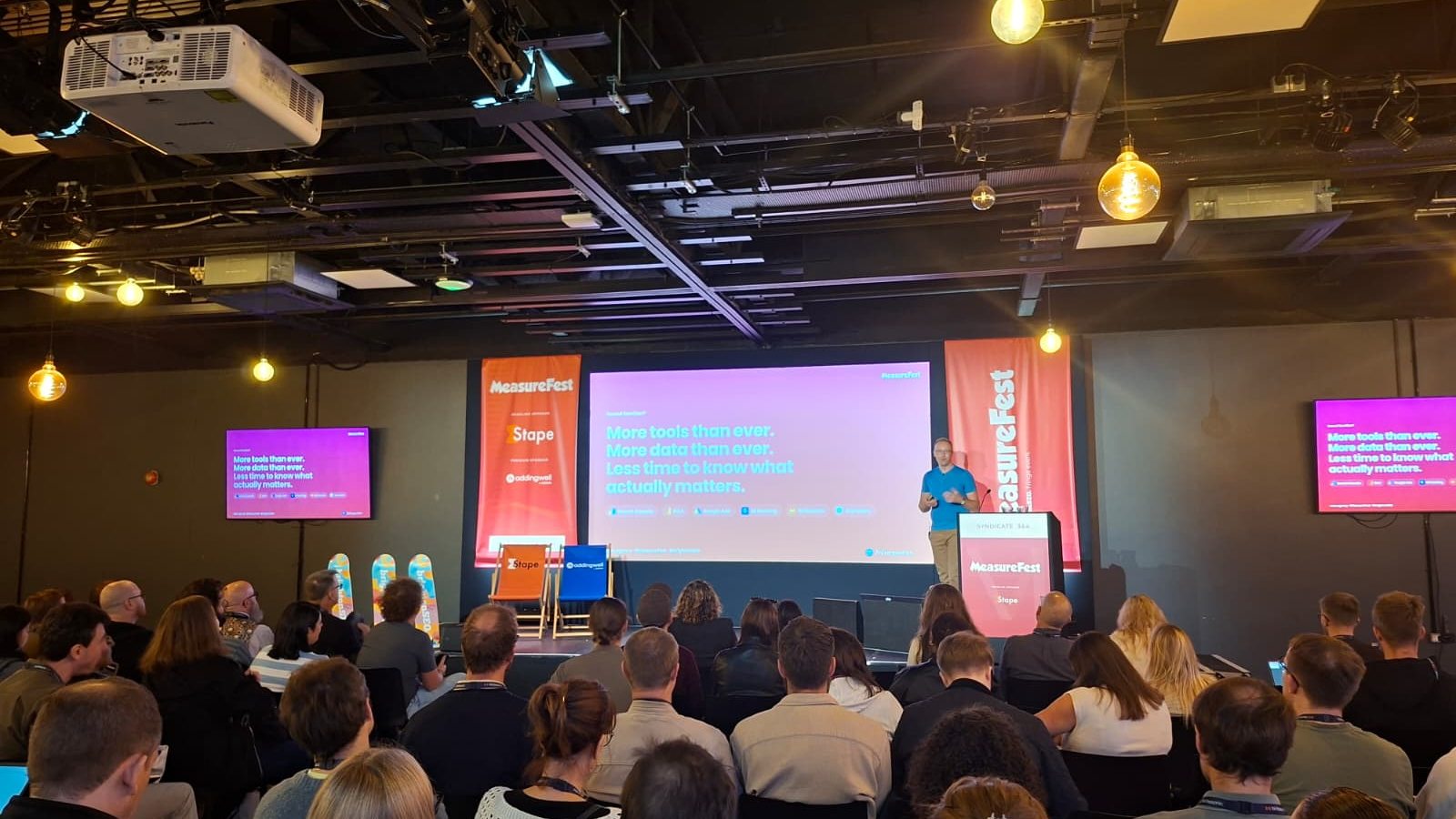
That gap shows up as friction, and I opened the talk with what it sounds like week to week, on both sides of the relationship. It’s the same story I hear across the industry, whoever the agency or in-house team.
From the team, it sounds like “Where do I find a list of their primary competitors?” and “It takes ages to produce a decent slide deck for meetings”. From the client, it’s “I wish these metrics aligned to our business goals” and “Why are we getting no enquiries from these position #1 rankings?”
Tools collect and present data, but they can’t tell you what it means for a business, and a thorough audit falls apart in a boardroom if it doesn’t speak to what the business wants. There’s a missing layer between the data, how the team works and the decisions clients need to make, so I built it with Claude Code.
What can Claude Code do for SEO?
It can build the tools your off-the-shelf stack won’t give you, because they’re built around how your team works and what your clients are trying to achieve. For an agency team like ours, that’s meant five things:
- Capturing each client’s objectives, targets and competitors once, so every other tool can read from them.
- Giving prospects an AI search audit in about three minutes, built on real data rather than AI’s guesses at rankings.
- Reporting that reads performance against each client’s strategy.
- A Search Console view across every client that shows the team where to look first.
- A migration checklist clients can follow through a share link.
None of this is set and forget. The specialist still needs discernment and stays accountable for the decision, and there’s plenty to think about before you ship anything, from getting your team to use it to security and cost. You don’t need to be a developer to start building with it, but you can’t skip that work, which I come back to further down.
Five builds, one connected layer
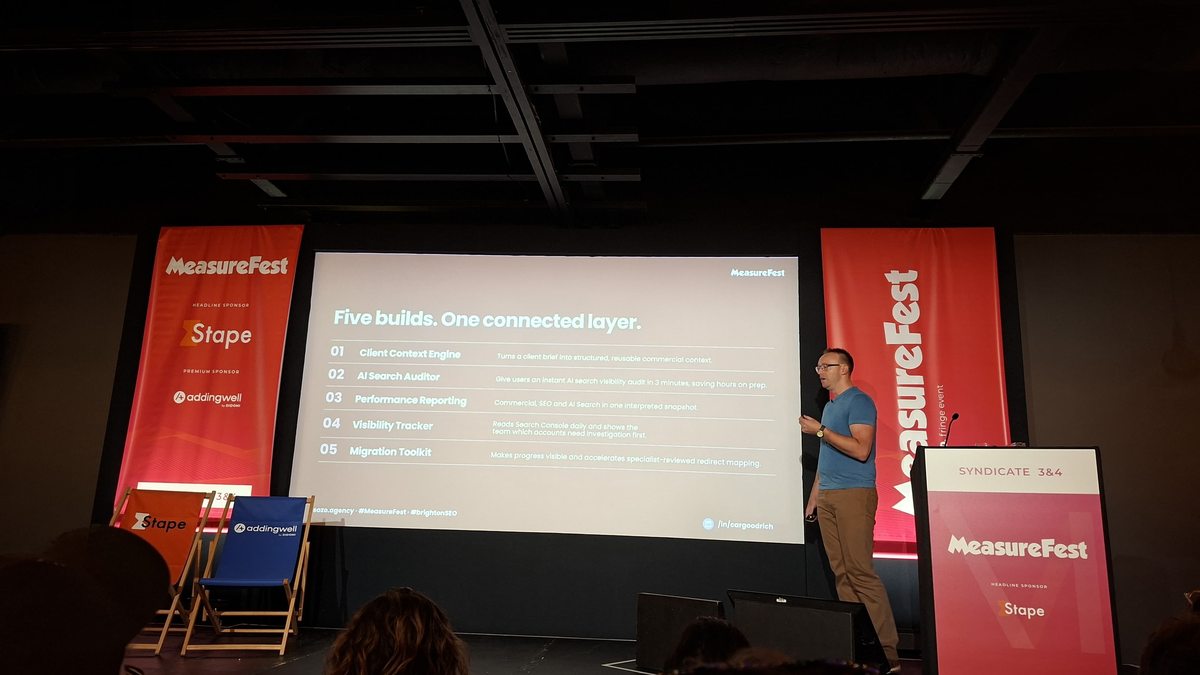
Each tool started from a specific friction rather than from what Claude Code could do, and each one feeds the others. Once they’re connected, the only limitation is in your head and your ideas.
1. Client context engine
There are all sorts of fantastic tools available to us, as the stands outside the room showed, but they can’t speak into your client’s specific objectives. The context engine takes the briefing document and turns it into structured, reusable commercial context: the objectives, targets and competitors the team kept having to go looking for.
It came first because everything else reads from it. A report, an audit or a recommendation is only as useful as the context it’s built on, and generic tools don’t have it.
2. AI search auditor
Every new business pitch used to be assembled from scratch, and that took hours. The auditor lets a prospect or an existing client fill in their details and get a snapshot of how their brand shows up in AI search within about three minutes, without us having to manually put together lots of slide decks.
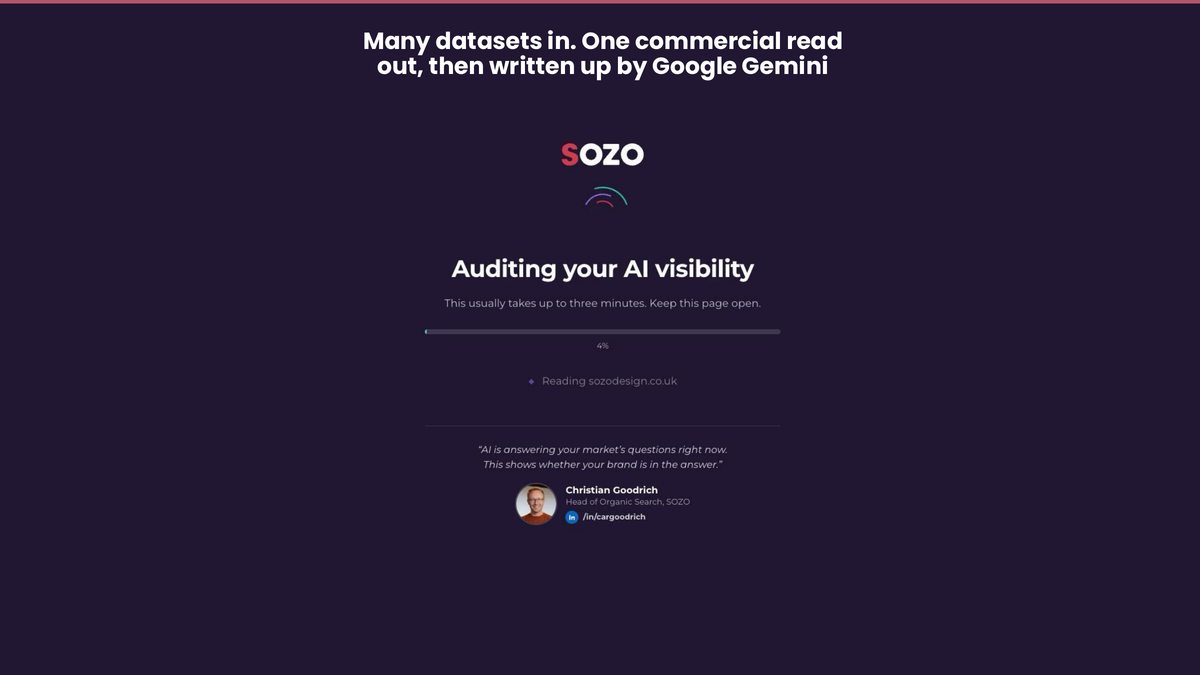
Each audit sends around 50 prompts to five AI platforms, drawing on data from our enterprise partnership with Writesonic, and the findings are written up by Google Gemini. It’s built that way because if you query AI, it’ll claim it can do keyword research for you and give you keyword rankings or positions on prompts, but that’s where hallucinations are most likely to occur. The output speaks to more than the data and tells the prospect what to do next, which turns an audit into a conversation rather than a document sitting in an inbox.
3. Performance reporting
The problem with reporting was never a lack of data, but giving clients insightful information tied to their strategy and objectives. This build brings commercial, SEO and AI search performance into one interpreted snapshot, and the report opens with the commercial picture rather than a wall of traffic charts. Where this gets exciting is that it talks to the client context engine, so rather than stopping at rankings, positions and the other usual KPIs, it can cross-reference them with the client’s strategy, objectives and value proposition.
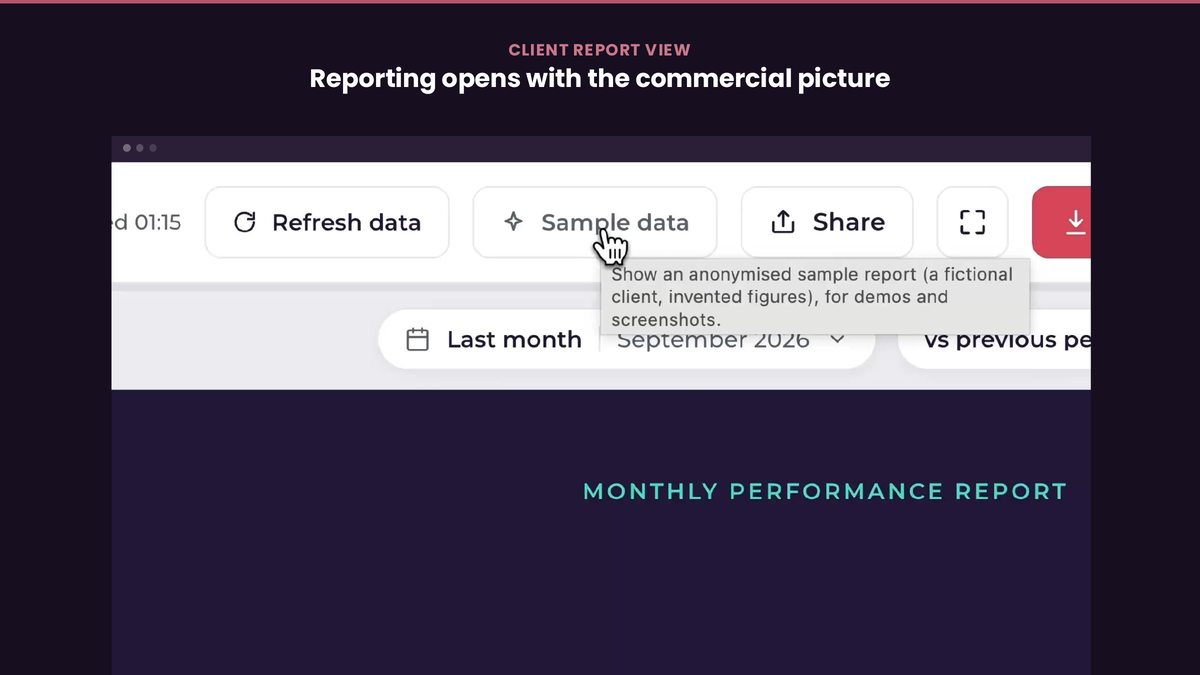
Every chart carries a “What this means” panel, and that’s the part I built it for. Because attribution isn’t perfect and correlation isn’t cause, it flags what’s worth investigating rather than announcing why something happened. The value of a report isn’t the volume of data in it, but the interpretation tied to what the client is trying to achieve, something I’ve written about in rethinking GA4 attribution for e-commerce.
4. Visibility tracker
I love Google Search Console as much as anyone, but everyone in that room will have found limitations with its interface and the things it can’t do. Across a portfolio of clients, the hard question first thing in the morning is where to start. The visibility tracker blends Search Console and Core Web Vitals for every active client in one view, with filters and insights that surface what needs attention first: the accounts losing clicks, the ones gaining impressions but not clicks, and the ones trending up sharply.
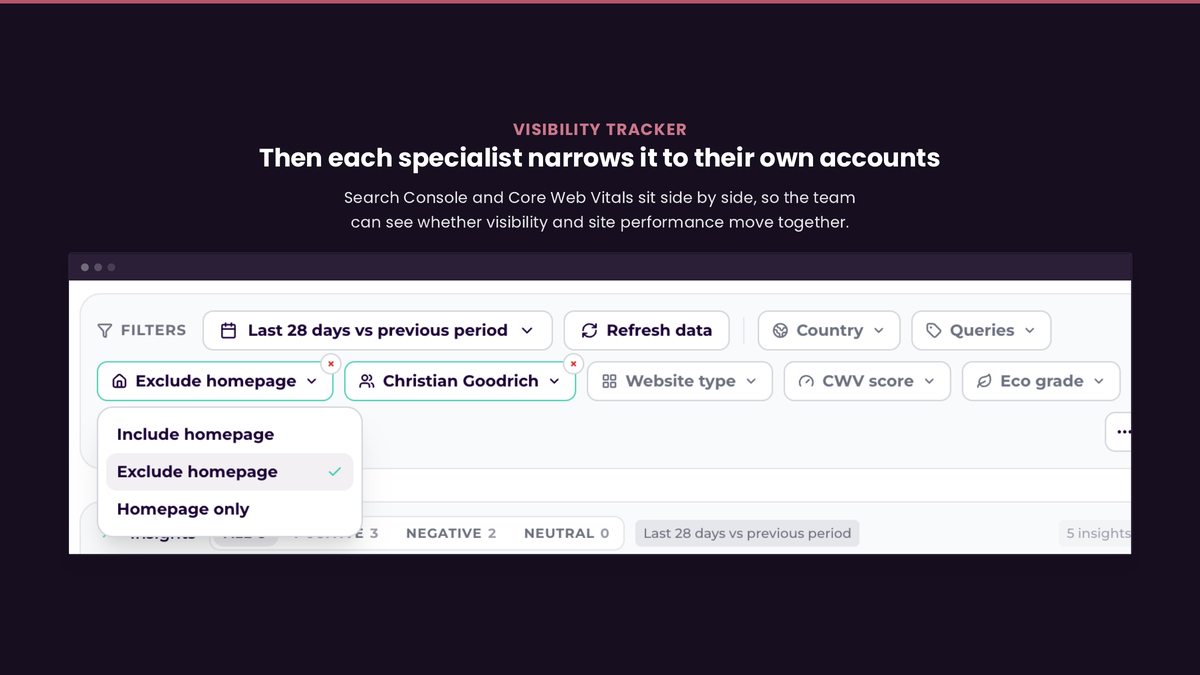
The insight sits next to the number, so nobody has to interpret the table from scratch each morning, and the AI-generated insights mean we can ask things on the fly: “Are there any particular clients losing clicks?”, “Have impressions spiked?” or “Has click-through rate changed because there’s more PPC showing up for branded search?” It helps us get to the answers quicker. So build the view that tells your team where to look first, and free up that time for delivery.
5. Migration toolkit
In SEO, one of the big risk factors to any brand is migrating their website from one platform to another, and the process is still so heavily overlooked. The toolkit gives everyone a live migration checklist that syncs with our project management tool, with clear accountability for how far along we are and what’s remaining. There’s a shared version too, with a link you can give the client, so they’re no longer having to ask “Hey, how’s the migration going?” and “What are you guys actually doing?” That means less time firefighting comms and more time on delivery.
The principle running through it is visible progress with specialist approval. The toolkit takes on the repetitive preparation, but a specialist signs off every decision before anything reaches a live site. If you’re planning one, I’ve covered how to protect AI search visibility through a Shopify migration separately.
What changed for the team
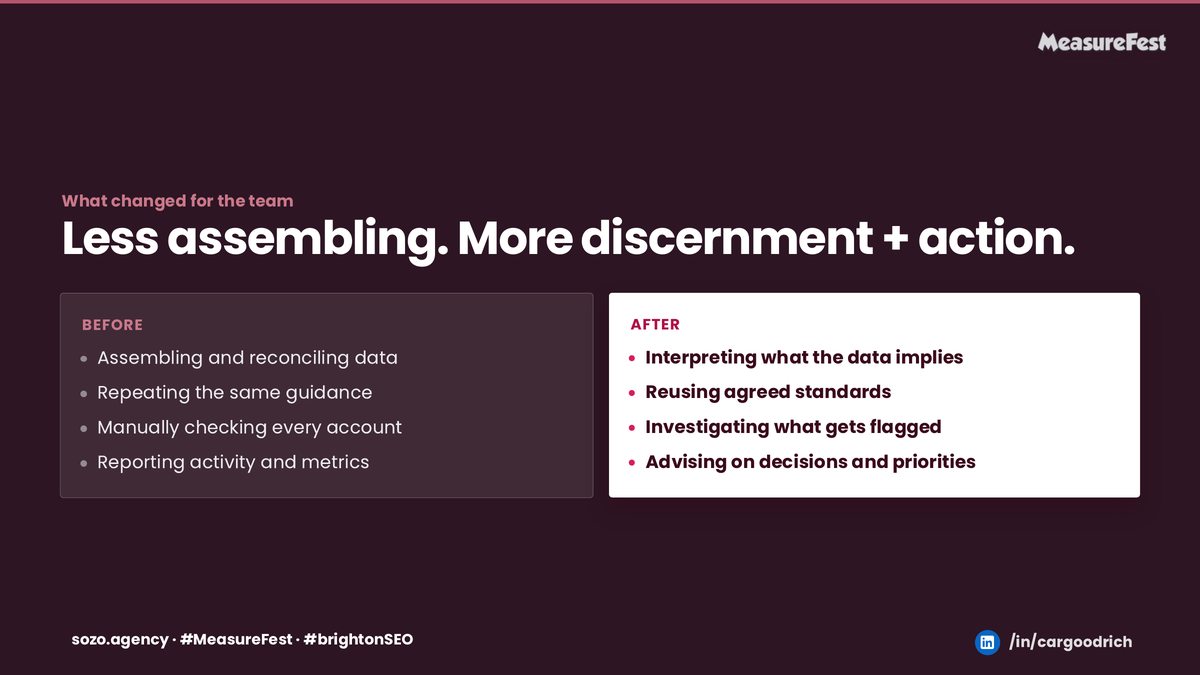
Before, a lot of skilled time went on assembling and reconciling data, repeating the same guidance, manually checking every account and reporting activity and metrics. Now more of it goes on interpreting what the data implies, reusing agreed standards, investigating what gets flagged and advising on decisions and priorities.
None of this reduced headcount, and it was never meant to. It’s given experienced people more of their week for the judgement calls clients pay for.
Five lessons from building it
Context beats clever prompting
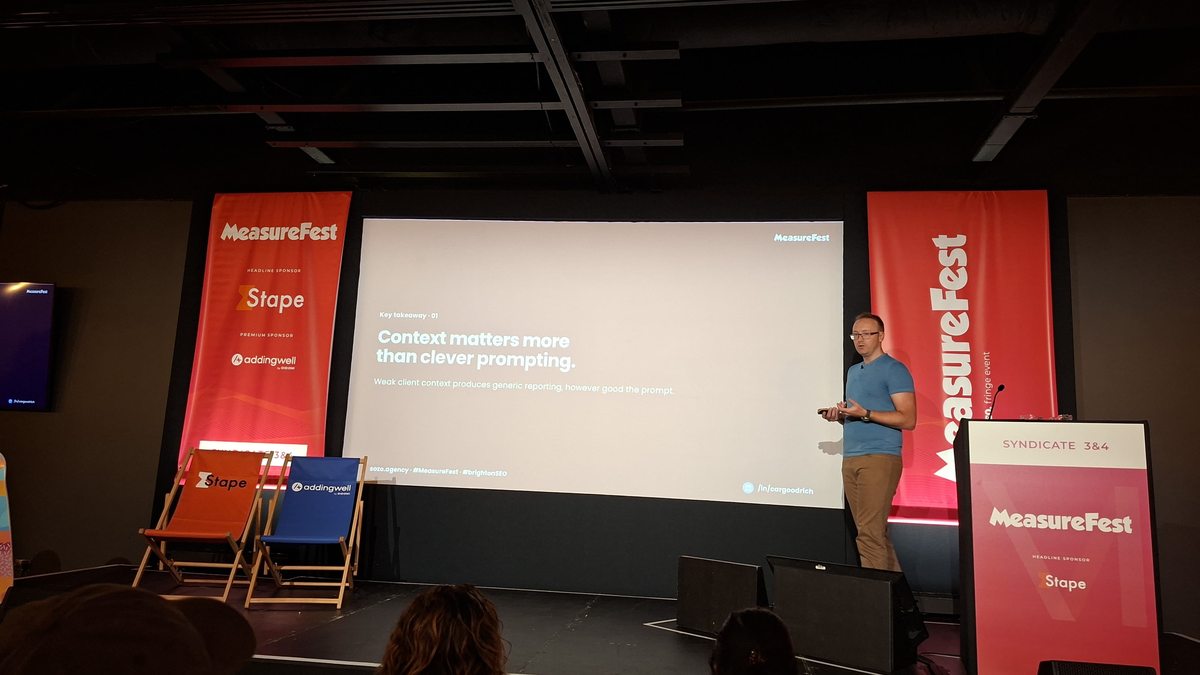
The biggest improvements didn’t come from better prompts, but from giving the system the commercial context generic tools lack, which is why the context engine came first and why everything else reads from it. You can be a real architect with all of your prompting, but if you don’t have the relevant context and insight from your client, you’re at risk of hallucinations and of AI trying to say yes and give you the answer it feels you want to know.
The specialist is still accountable for the decision
This isn’t being built so that you can sit back with a nice cup of tea and just let AI run everything for you. AI-generated explanations can sound far more certain than the evidence supports. Ask why traffic moved and you’ll often get one confident cause for something that had several. So interpretation, causal judgement and anything in client reporting and delivery stay with the specialist, and none of that goes out without review. I went into how often I correct AI in practice in Can’t we just use AI for our SEO instead?, and the answer was 487 times in four months.
Adoption is part of the build
Building something useful and getting it used are different problems, and the second has to be designed in rather than assumed once it’s live. Think about how you get wider buy-in from your team, and build in somewhere for people to leave feedback.
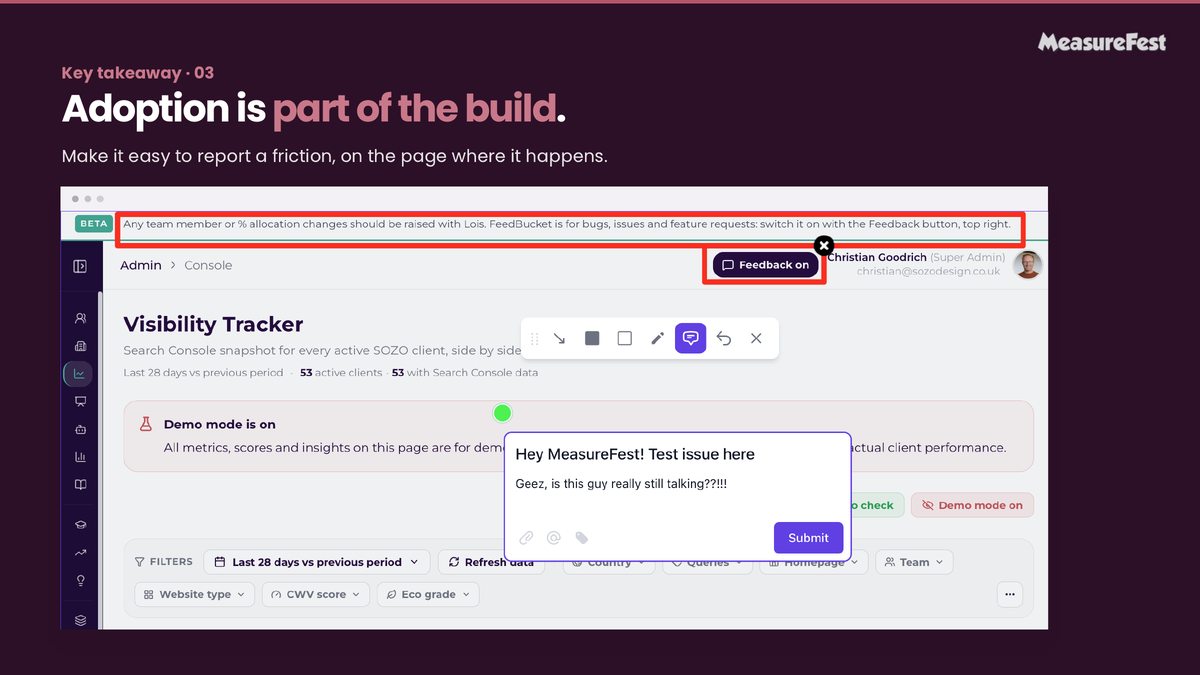
Every tool has a feedback button on the page itself, so anyone on the team can report a bug, an issue or a feature request at the point they hit it. It’s a small thing, but it means the team helps improve the tool rather than working around it.
Build security in from day one
With great power comes great responsibility, and this is the lesson I’d underline for anyone building without a development background. My own background includes web development, and it still took deliberate work.
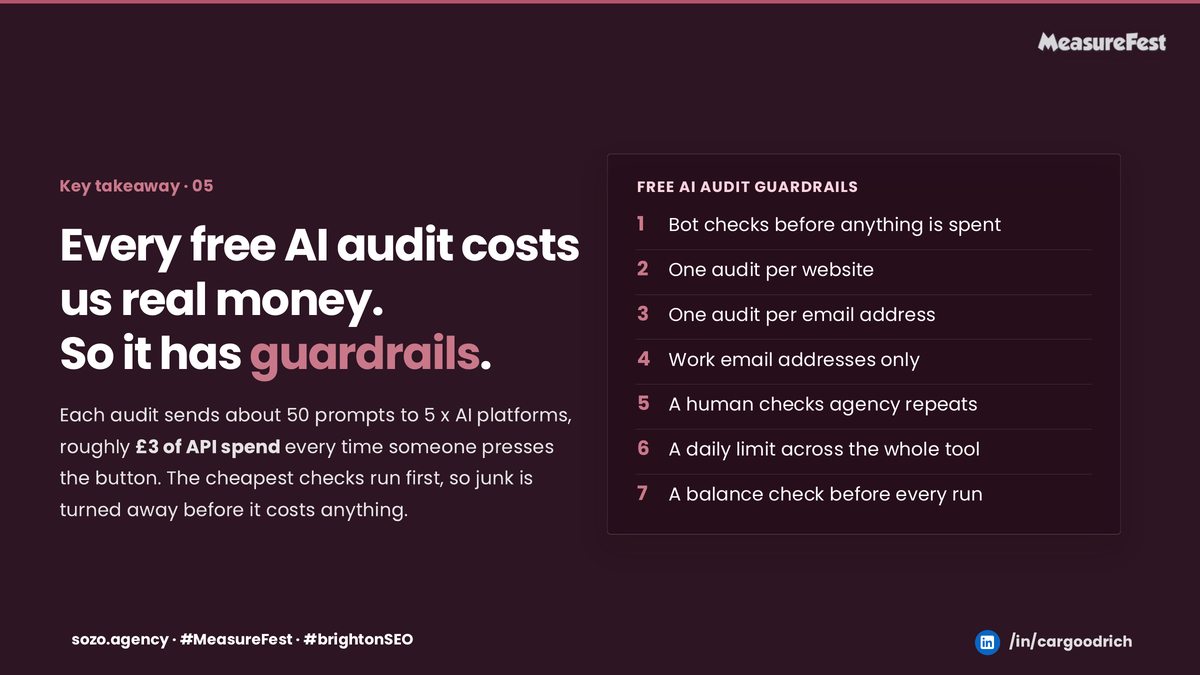
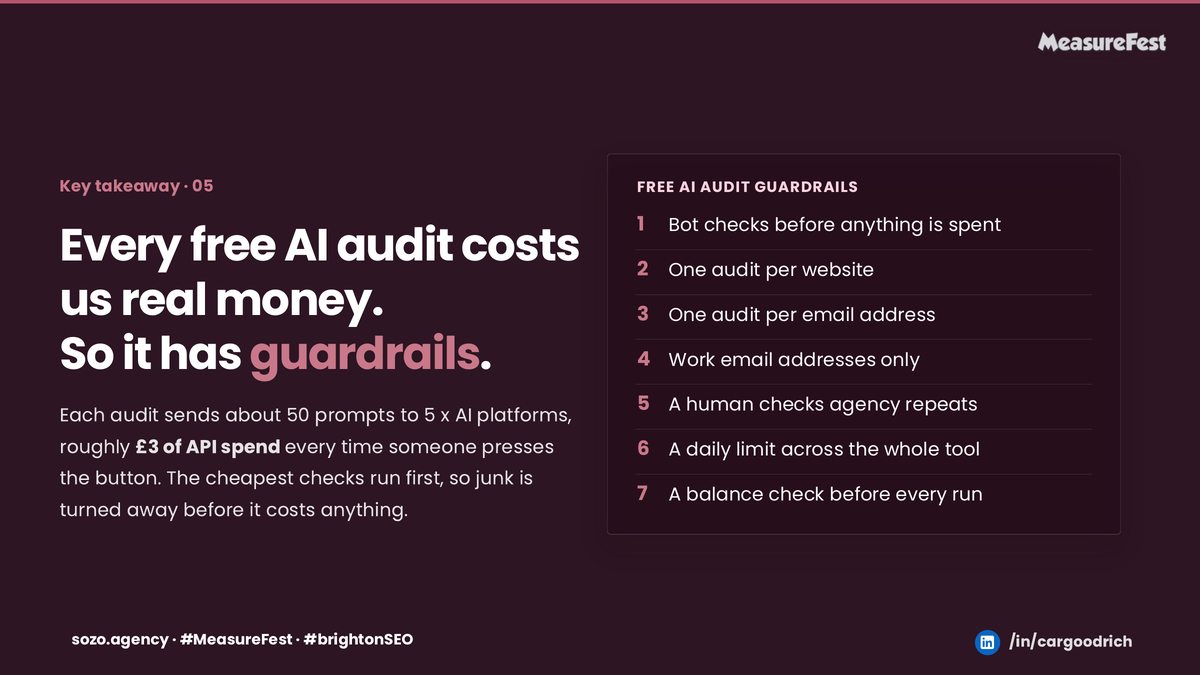
Every free AI audit costs real money, roughly £3 of API spend each time someone presses the button. So the auditor has guardrails: bot checks before anything is spent, one audit per website and per email address, work email addresses only, a human check on agency repeats, a daily limit across the whole tool and a balance check before every run. The cheapest checks run first, so junk is turned away before it costs anything.
My tip from the talk: for security work, use the most capable model available and set it to the highest effort. I use Fable for anything security, audit or fix related, because I’m not going to trust something as important as security for shipping something live on an inferior model. This isn’t where you save tokens, and you can’t just ship something live using Claude Code; you have to think about the boring stuff too.
Find the friction first
If you only write one thing down, make it this one. Find the friction first, and that friction will be different for everyone, then use AI to build the fix. Every build in this talk started with a question the team or a client couldn’t answer quickly enough, not with a feature I wanted to try.
Start here on Monday
I closed the talk with a simple way to apply this to one of your own processes.
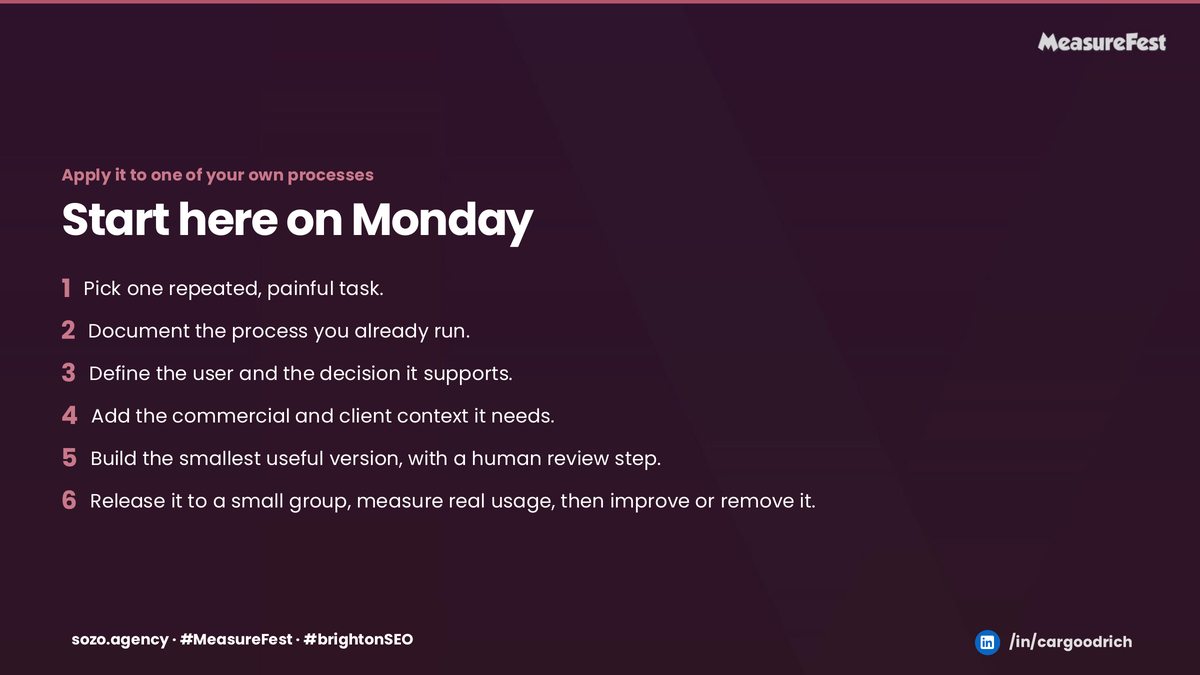
- Pick one repeated, painful task.
- Document the process you already run.
- Define the user and the decision it supports.
- Add the commercial and client context it needs.
- Build the smallest useful version, with a human review step.
- Release it to a small group, measure real usage, then improve it or remove it.
Start with the decision your team or client can’t reach quickly enough, and work backwards from there.
The next morning: The Great Attribution Crisis
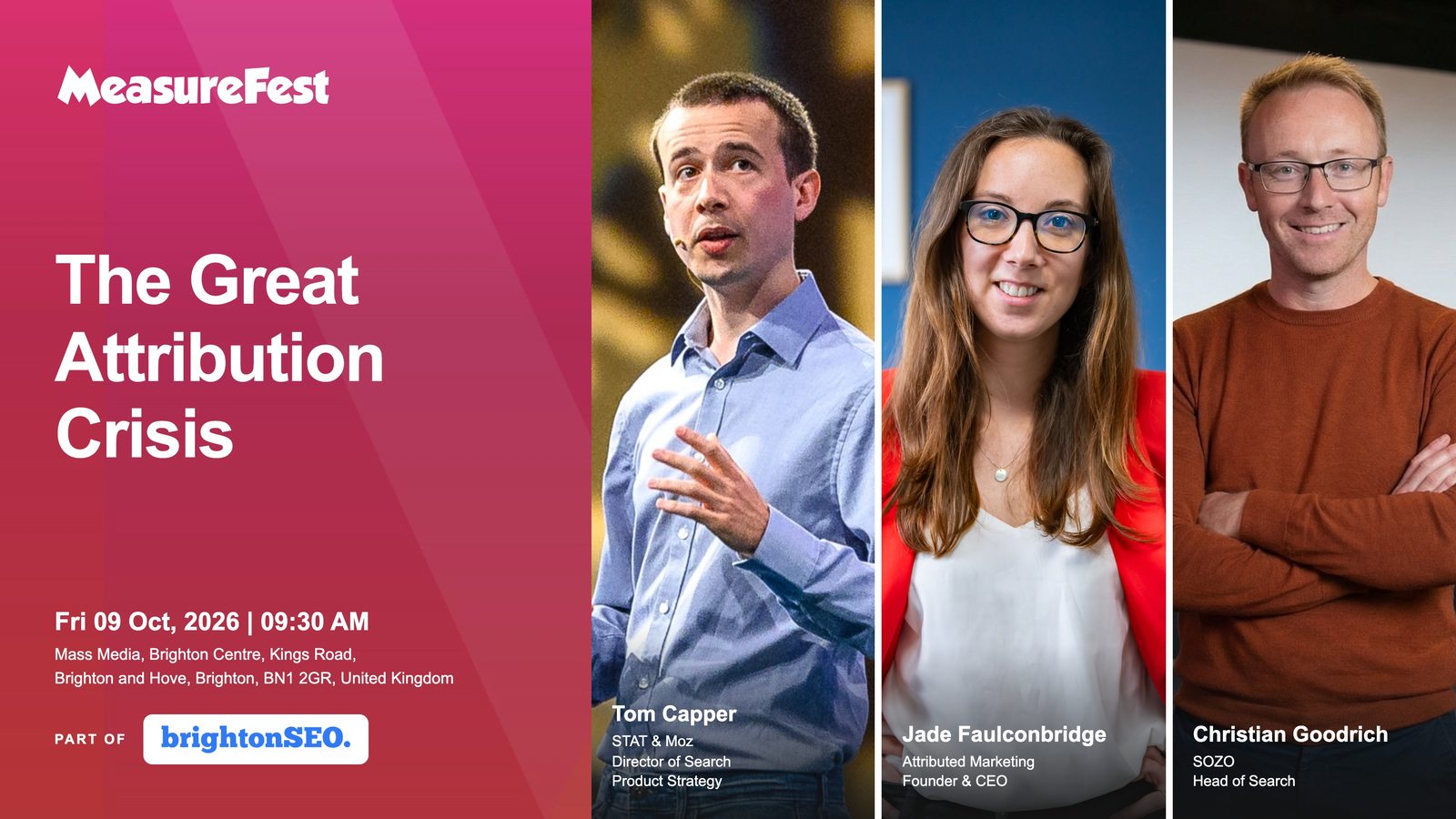
On Friday morning I joined Tom Capper of STAT and Moz and Jade Faulconbridge of Attributed Marketing for The Great Attribution Crisis, with an audience Q&A to close.
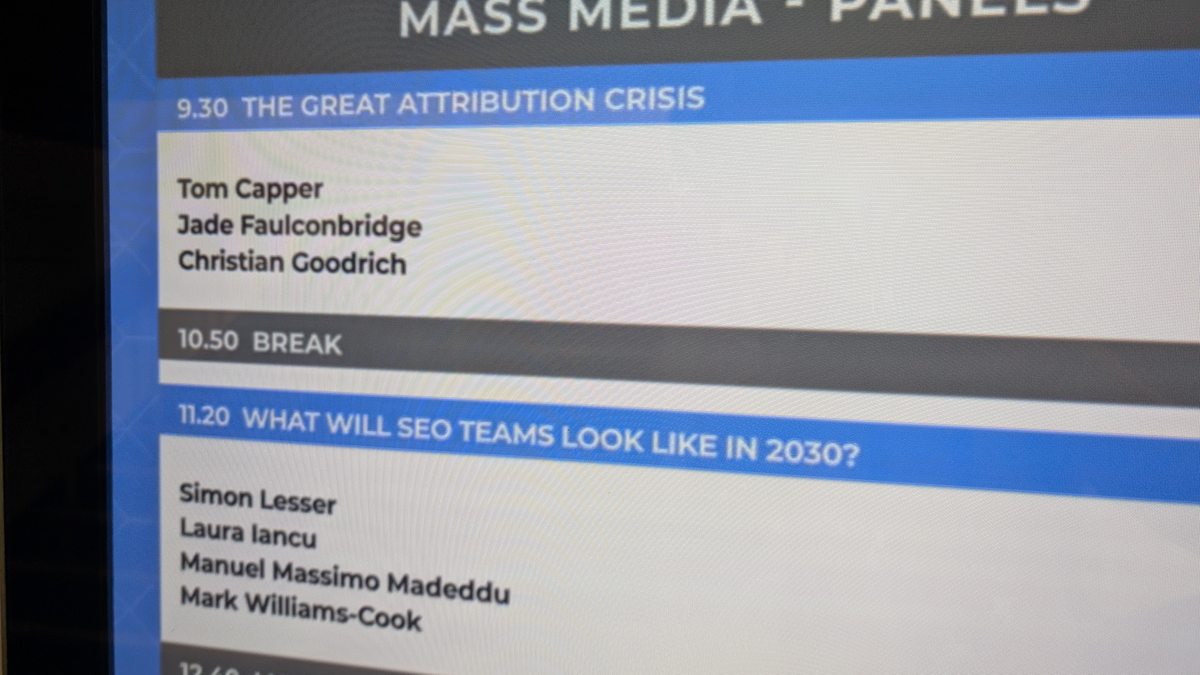
Attribution was leaking long before AI search arrived. Ad blockers, browser privacy features, the move to GA4 and cookie consent banners have each taken their share of the data, and AI assistants and zero-click results now hide even more of the journey, while boards still expect a clear return from every channel. The panel looked at how measurement reached this point, the workarounds we each use and how to handle the conversation with stakeholders when the numbers no longer add up.
It sat naturally alongside the talk, because a reporting layer can only interpret what the tracking captures, so the measurement side has to be right before any tool can tell you what it means. The places I’d start are a clear before picture, conversion tracking you can trust, a free-text “How did you hear about us?” field on enquiry forms and getting comfortable reporting direction rather than absolutes.
I’ve also written up my key takeaways from the rest of brightonSEO and MeasureFest.
Practical takeaways
- Start from the friction, not the tool. Pick the question your team or client can’t answer quickly enough and build towards that.
- Capture each client’s commercial context once, in a structured form, and make every other tool read from it.
- Put the interpretation next to the number. A “What this means” panel does more for a client than another chart.
- Keep a specialist accountable for every conclusion and everything in client reporting and delivery, and review it before it goes out.
- Design adoption in from the start, with a feedback route on the page where the friction happens.
- Treat security and cost controls as part of the first version, especially for anything public-facing that spends money per use.
- Build the smallest useful version, release it to a small group and measure real usage before you scale it.
Final thoughts
The most useful thing Claude Code has done for me isn’t writing code faster, but making it practical to build the layer between the data and the decision, which no off-the-shelf tool was ever going to build for us. That layer is where the commercial value of search gets explained, and it’s where experienced people should be spending their time.
The tools will keep changing, but finding the friction, giving the system the right context and keeping a specialist accountable for the answer won’t, so start there. If you want more on measuring and reporting AI search, I write about it in my Return on Search newsletter, and you can see my other talks and upcoming sessions.